Multrin is a cross-platform open source application for Microsoft Windows and Apple Macintosh devices (Linux support coming soon) that allows users to organize programs and open windows in tabs.
Note: The program is Electron-based which means that it has a considerable size and is not really lightweight when it comes to memory usage. On Windows, users may get a SmartScreen warning when the program is installed.
The application provides functionality that is similarly to Stardock's Groupy application and similar programs such as Tidy Tabs.
Multrin
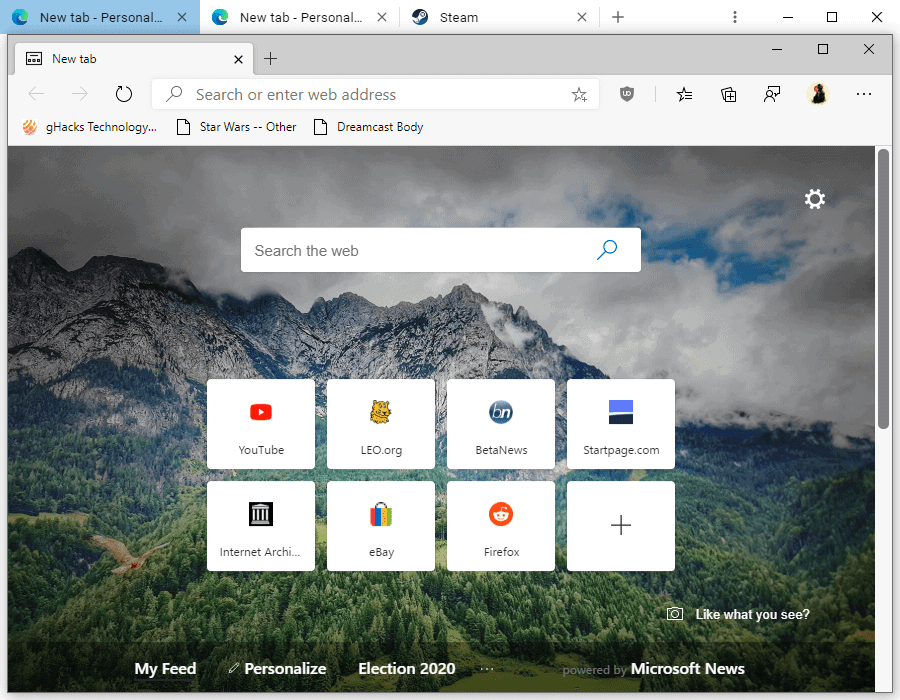
A window that is almost blank is loaded when you start Multrin. The program tries to connect to the Internet on Start but it is unclear why it attempts to do so and blocking the attempt has no negative effect on the program's functionality.
Usage is pretty straightforward. Just drag and drop open program windows onto the Multrin window to create a new tab in the window. Any subsequent window needs to be dropped on the Multrin tab bar at the top to add it to the tab bar.
It may take a few attempts to get the first window to attach to the Multrin window as the process is somewhat finicky.
You may then switch between programs with a click on the tab or by using the Ctrl-Tab shortcut while Multrin is active. Tabbed windows can be dragged around to change the order of tabs and you may drag the window outside of the Multrin window to unattach it from it remove it as a tab from the interface.
Existing tabs can be duplicated with a click on the button and you may also close any of the open program windows with a click on the x-icon or by right-clicking and selecting one of the available close options.
Closing Words
If you like to sort your windows into tabs on Windows or Mac devices, then you may find a program that lets you do so useful. Multrin's biggest disadvantage is that it is based on Electron which makes it quite heavy. If you like a lighter alternative, check out Tidy Tabs instead.
If your PC or Mac has plenty of RAM, then you may want to try Multrin to see how it works out for you.
Now You: Tabbed program windows, what is your take on that?
Thank you for being a Ghacks reader. The post Organize Programs in Tabs with Multrin for Windows and Mac appeared first on gHacks Technology News.
إرسال تعليق